1. Follow these steps to reset your password
2. Open birminghamsmpw.co.uk
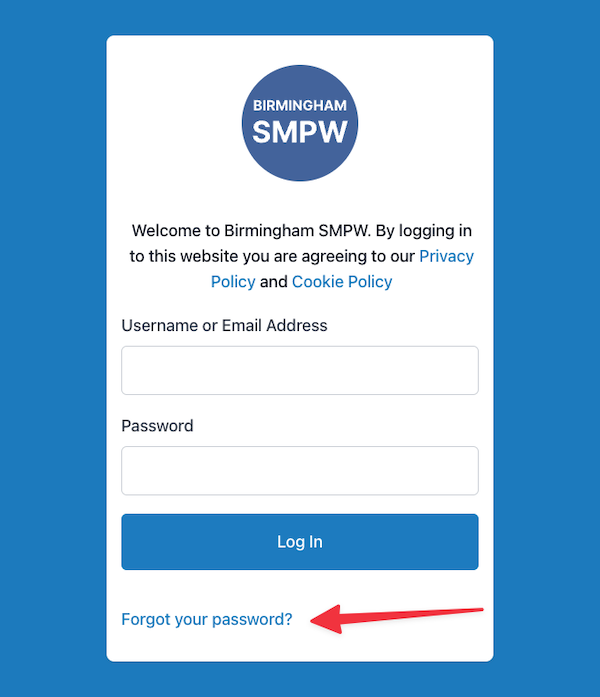
3. Click the “Forgot your password?” link
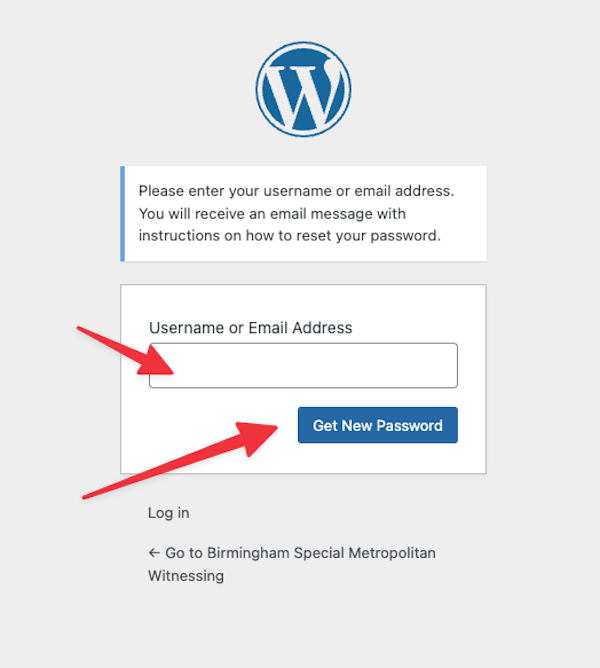
4. Enter your email address and click “Get new password”
5. Check your email for a password reset link
6. If you don’t receive the email within 5 minutes, please check your spam folder
7. Click the link in your email
8. Enter your new password in the formReset password form
9. Click “Reset password”
Your password has been successfully reset! You can now log in with your new password.